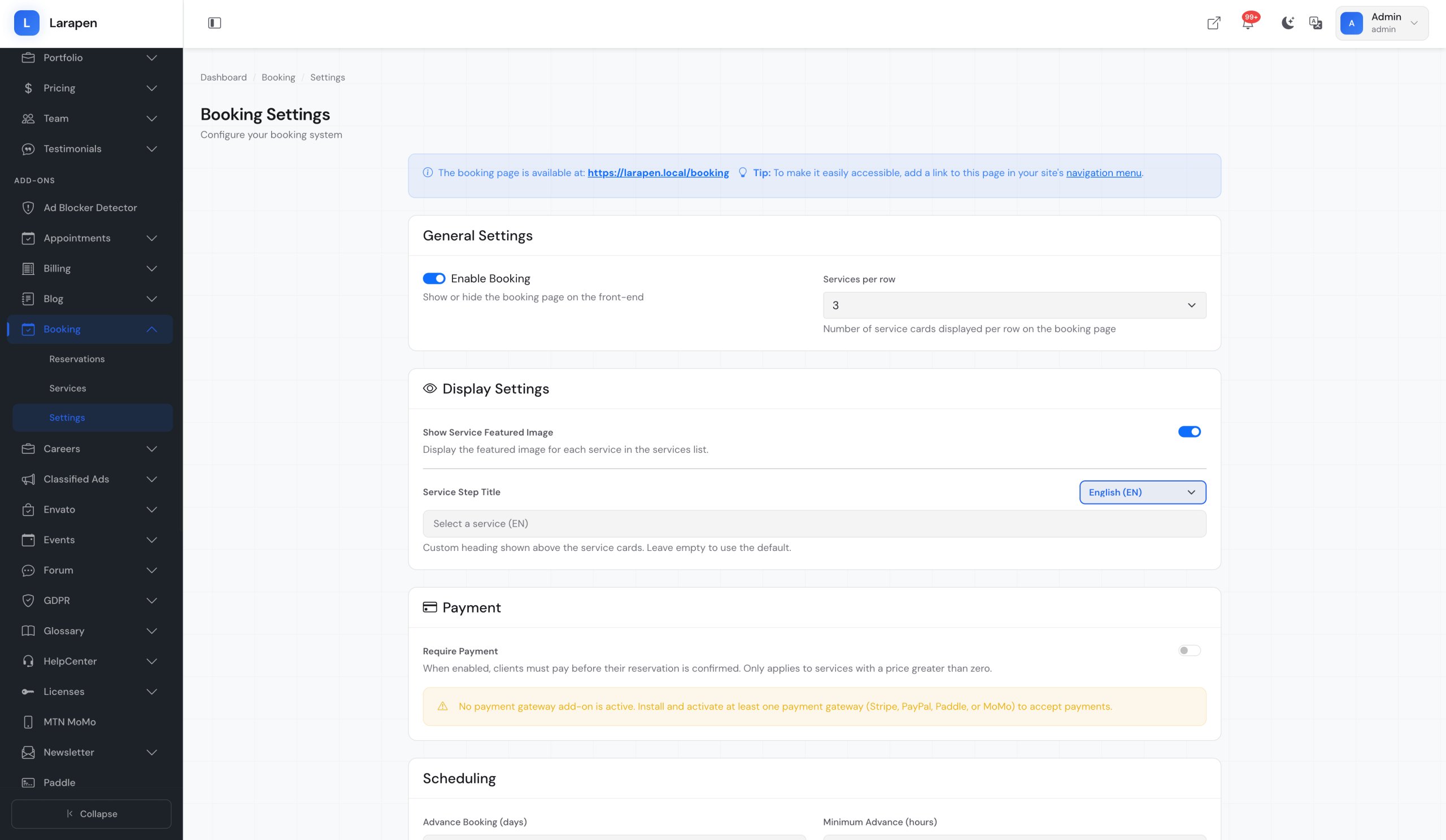
Booking for Larapen
Let clients book reservations and schedule services directly from your website. Manage time slots, availability, confirmations, and reminders.
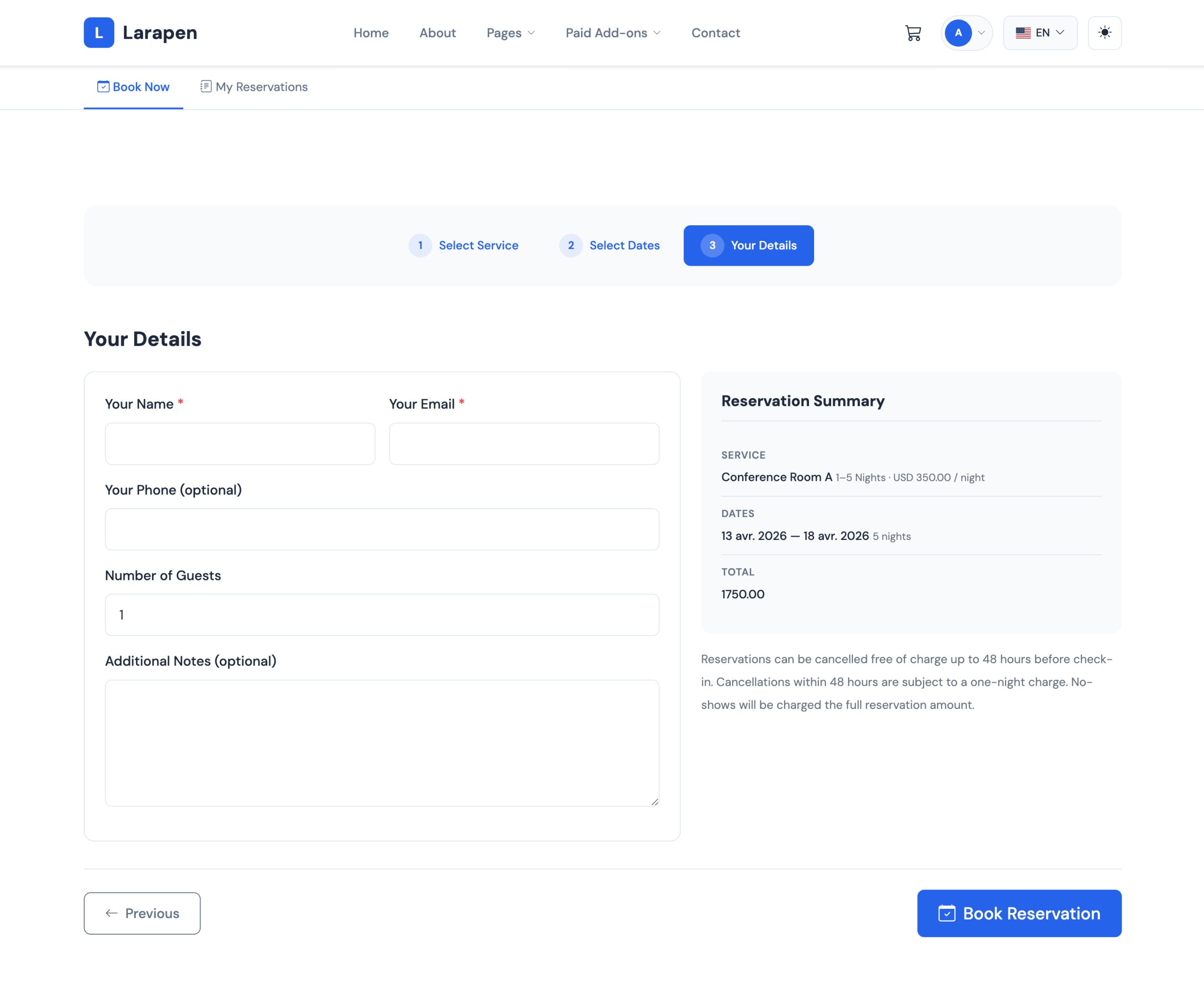
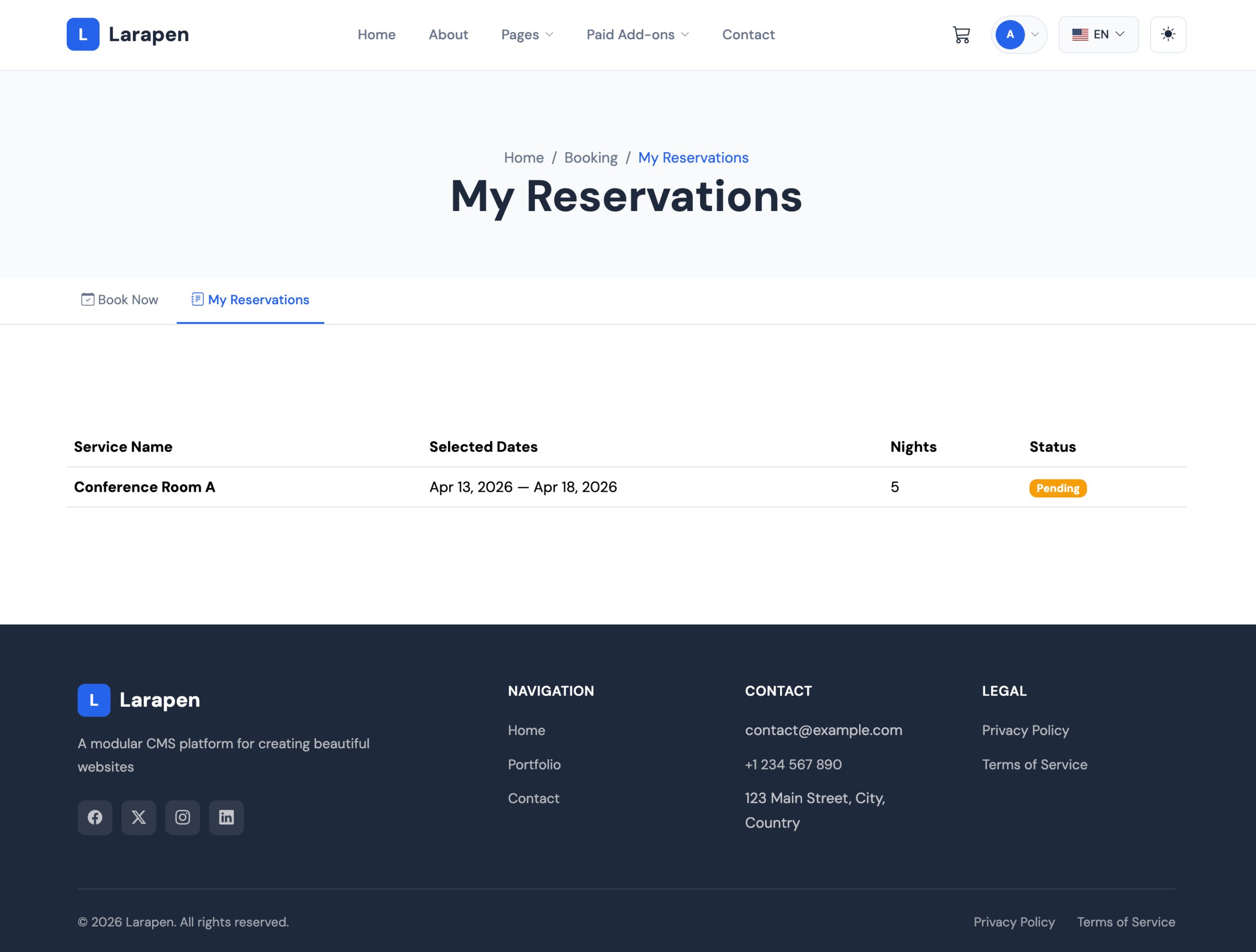
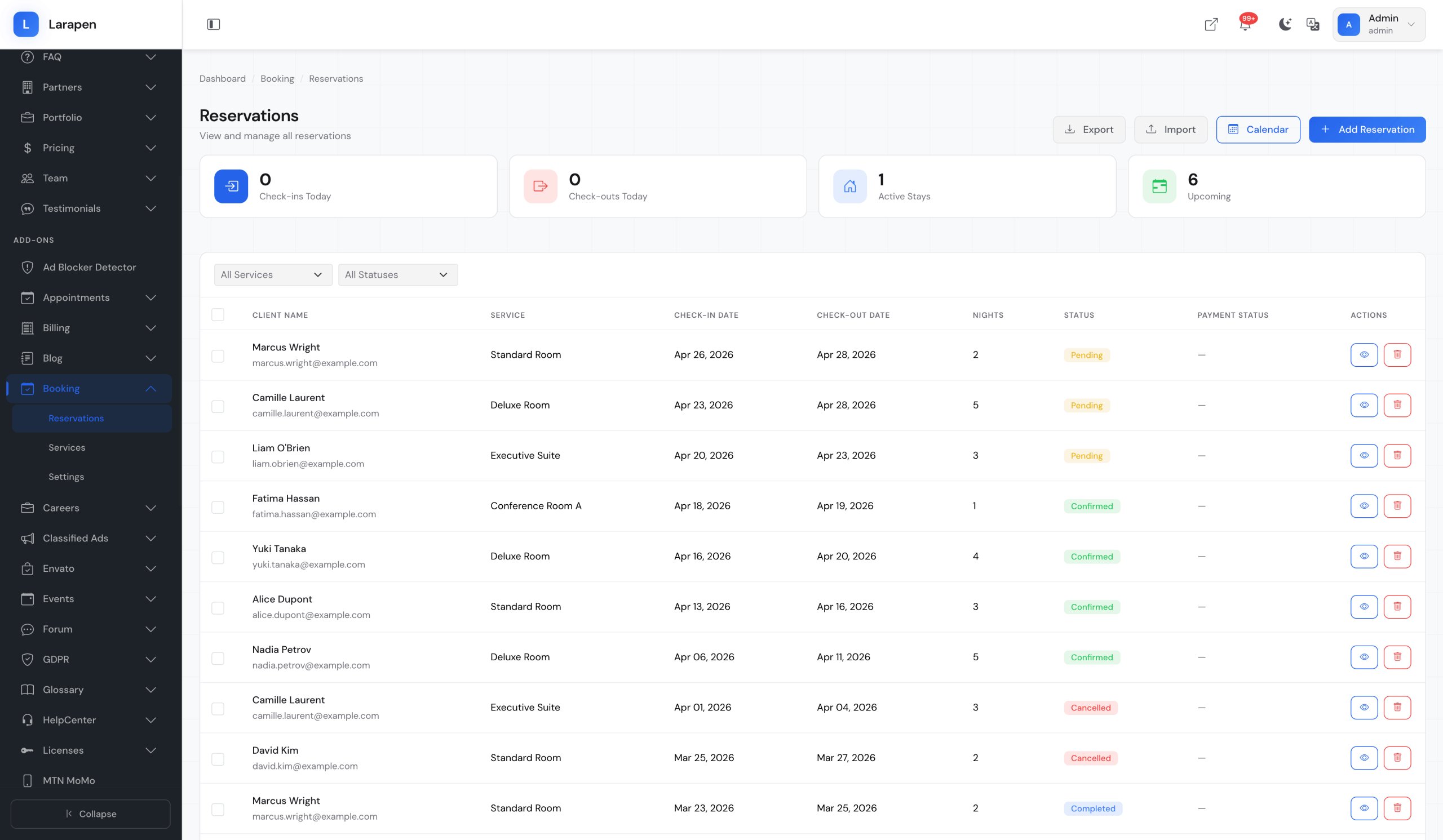
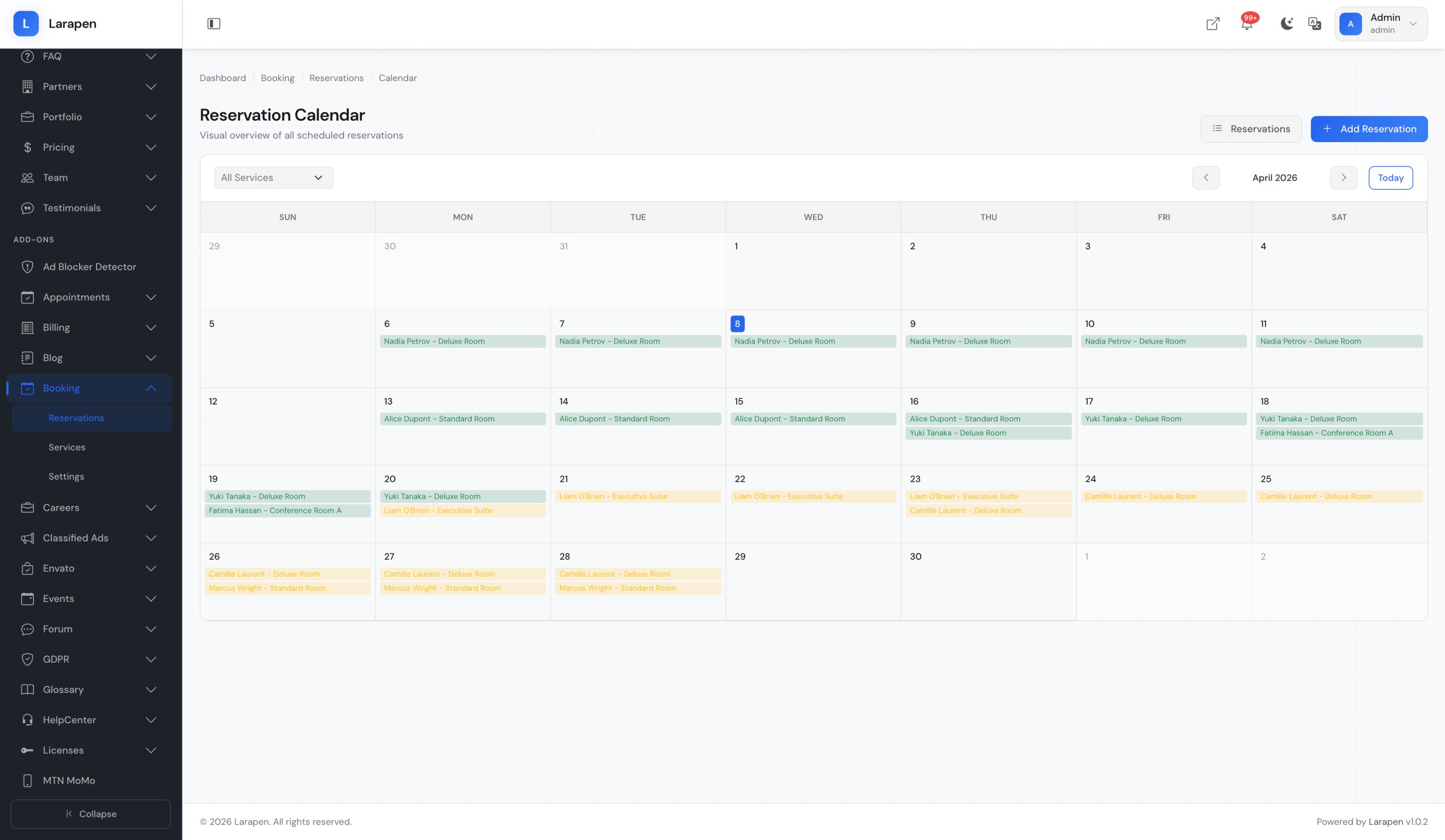
The Booking add-on lets your clients schedule appointments directly on your website. Define the services you offer, set available time slots, and let visitors pick the date and time that works for them. Every booking is tracked in a centralized calendar, giving you a clear view of your schedule at a glance.
Automated Confirmations & Reminders
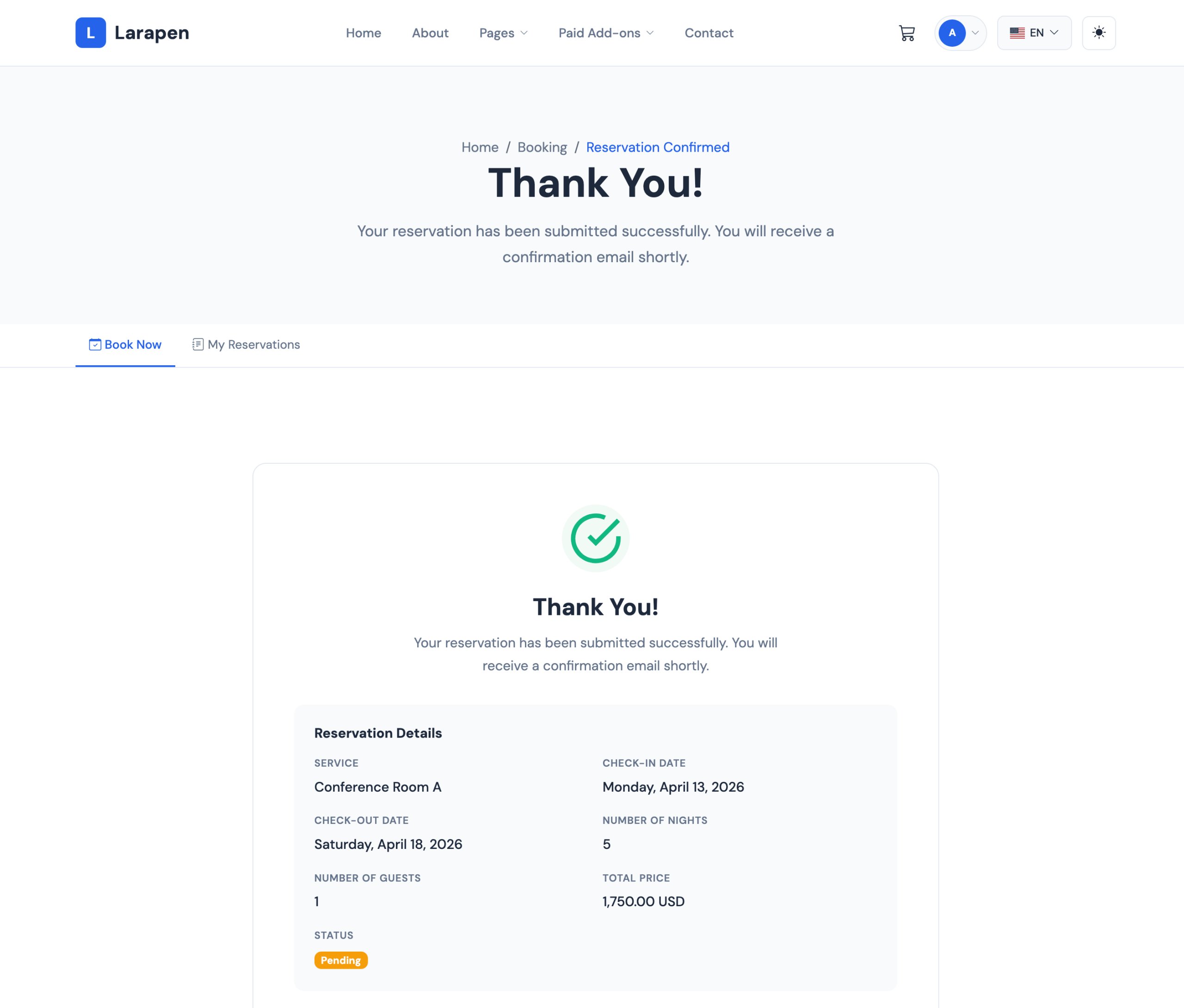
Reduce no-shows with automatic email confirmations and reminders. When a client books an appointment, they receive an instant confirmation. Reminder emails are sent before the appointment to ensure clients show up on time. You can also configure cancellation and rescheduling policies to protect your schedule.
Scheduling Made Simple
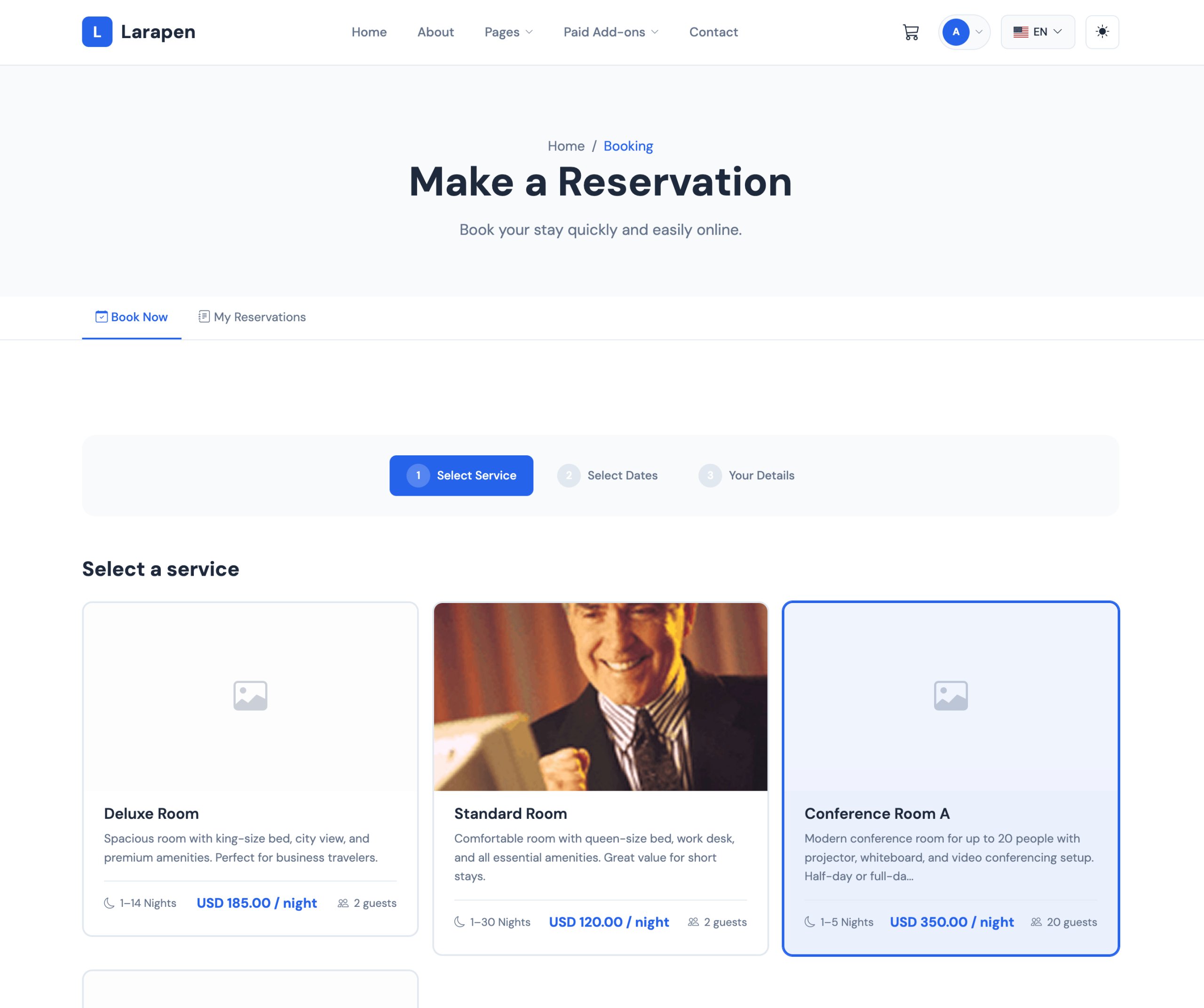
- Service Management: Define the services you offer with descriptions, durations, and pricing. Clients pick their service before selecting a time slot.
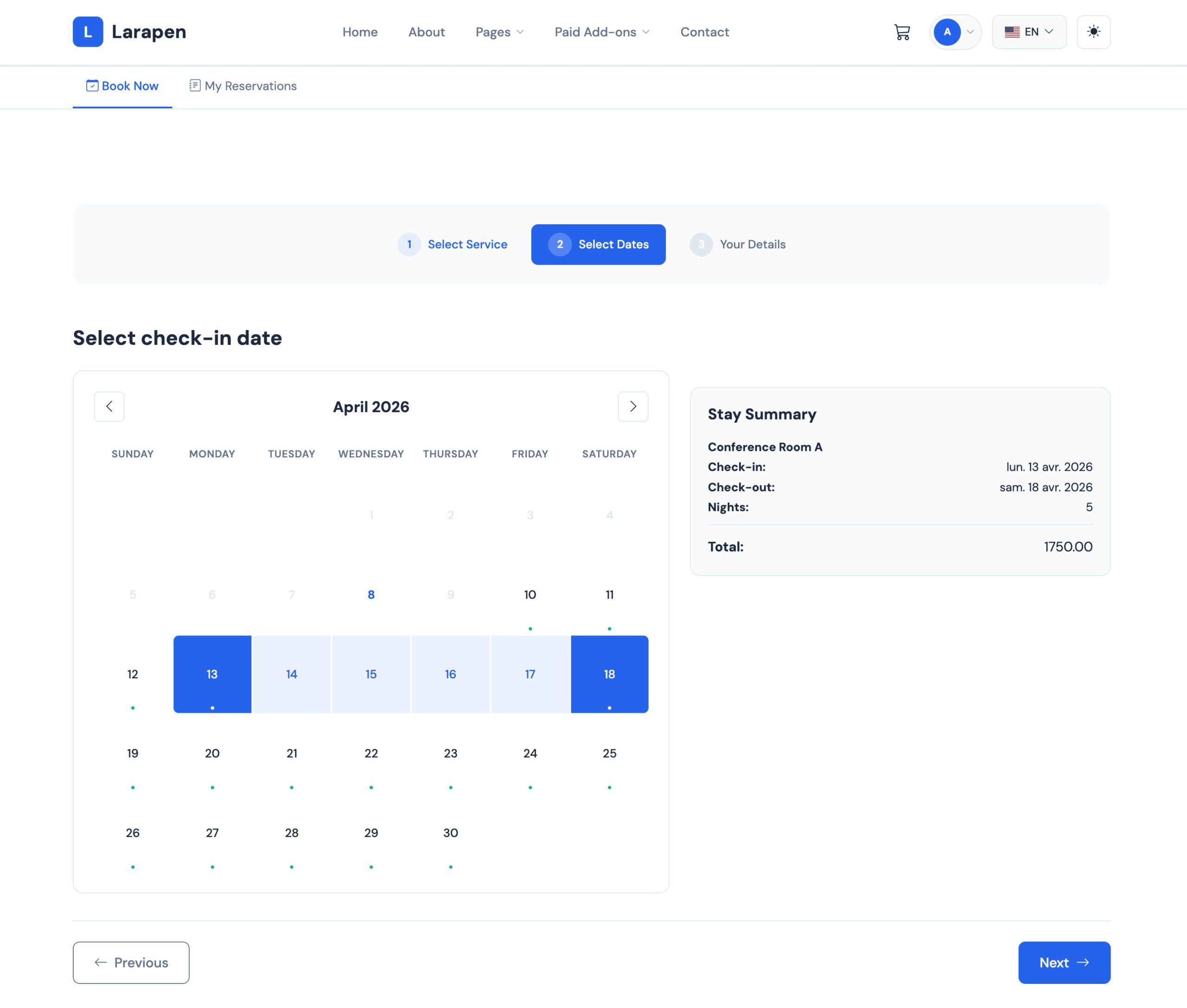
- Time Slot Configuration: Set your available hours, break times, and booking intervals. Block off holidays and custom unavailable dates.
- Calendar Dashboard: View all bookings in a visual calendar. Switch between day, week, and month views to manage your schedule.
- Email Notifications: Automatic confirmation emails on booking, reminders before appointments, and notifications for cancellations.
- Availability Rules: Set buffer times between appointments, minimum advance booking periods, and maximum future booking windows.
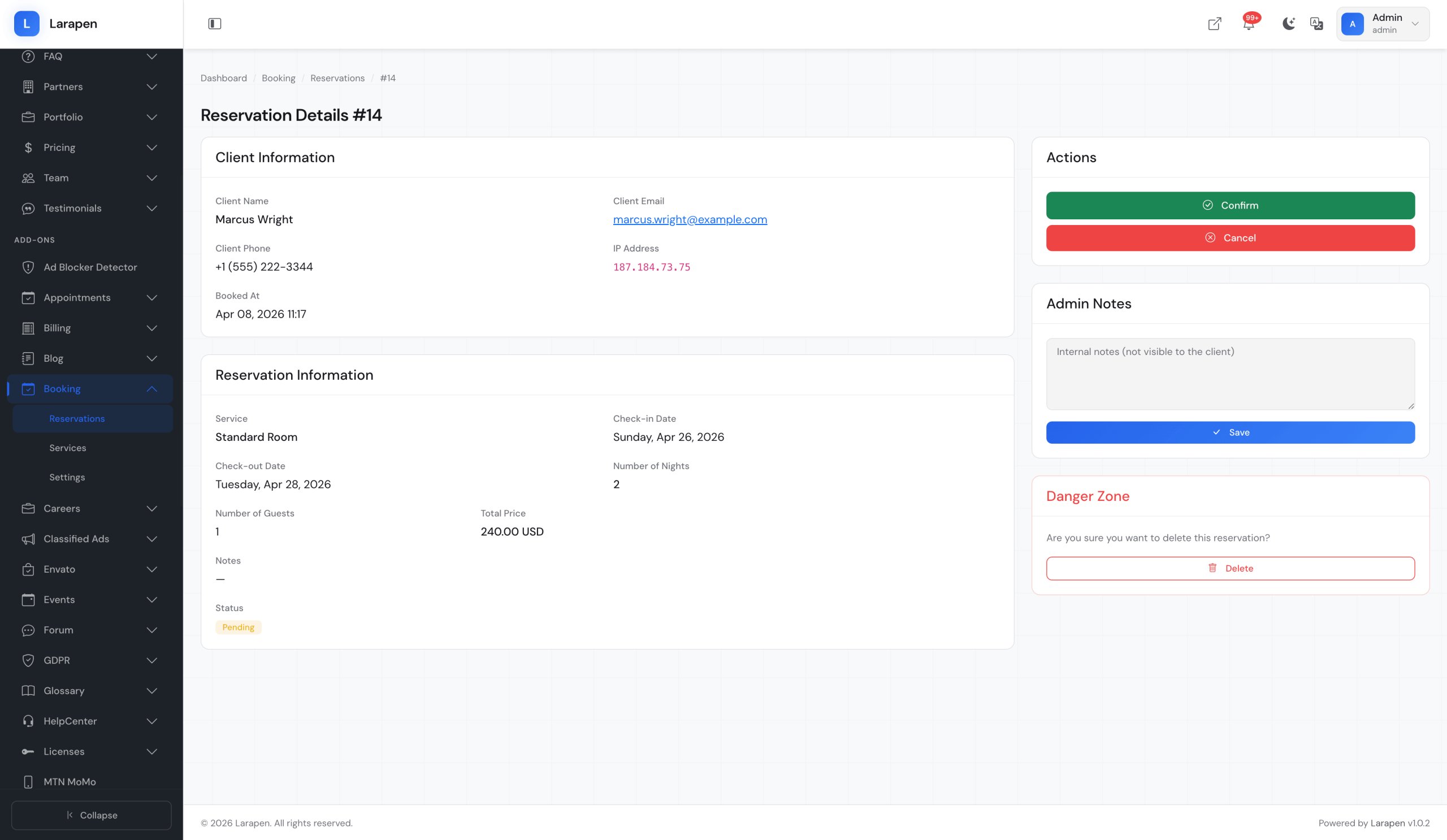
- Booking Confirmations: Choose between instant confirmation or manual approval. Review and approve bookings before they are confirmed.
Start Accepting Bookings
- Install & Activate: Upload the Booking add-on and activate it from the admin panel. All necessary tables and routes are created automatically.
- Define Services: Create your list of services with descriptions, durations, and optional pricing. Each service gets its own booking page.
- Set Availability: Configure your working hours, break times, and days off. The system only shows available slots to clients.
- Receive Bookings: Clients book appointments on your site. You manage everything from the admin calendar dashboard.
Item Support
This item includes 6 months of support from the author. After purchase, contact the author for any help you need with this product.
Get Support
Got Questions?
Frequently Asked Questions About Booking for Larapen
Everything you need to know about Booking for Larapen before you buy.
Yes, when paired with a payment gateway add-on (Stripe, PayPal). You can require prepayment, accept deposits, or keep booking free and collect payment at the appointment.
Yes. Each staff member can have their own availability settings and service assignments. Clients choose their preferred provider during booking, and each provider sees only their own appointments.
Cancellation policies are configurable. You can set a minimum cancellation notice period, allow free cancellation before a deadline, or disable client-side cancellation entirely. The freed-up time slot becomes available again automatically.