
Point of Sale (POS) for Larapen
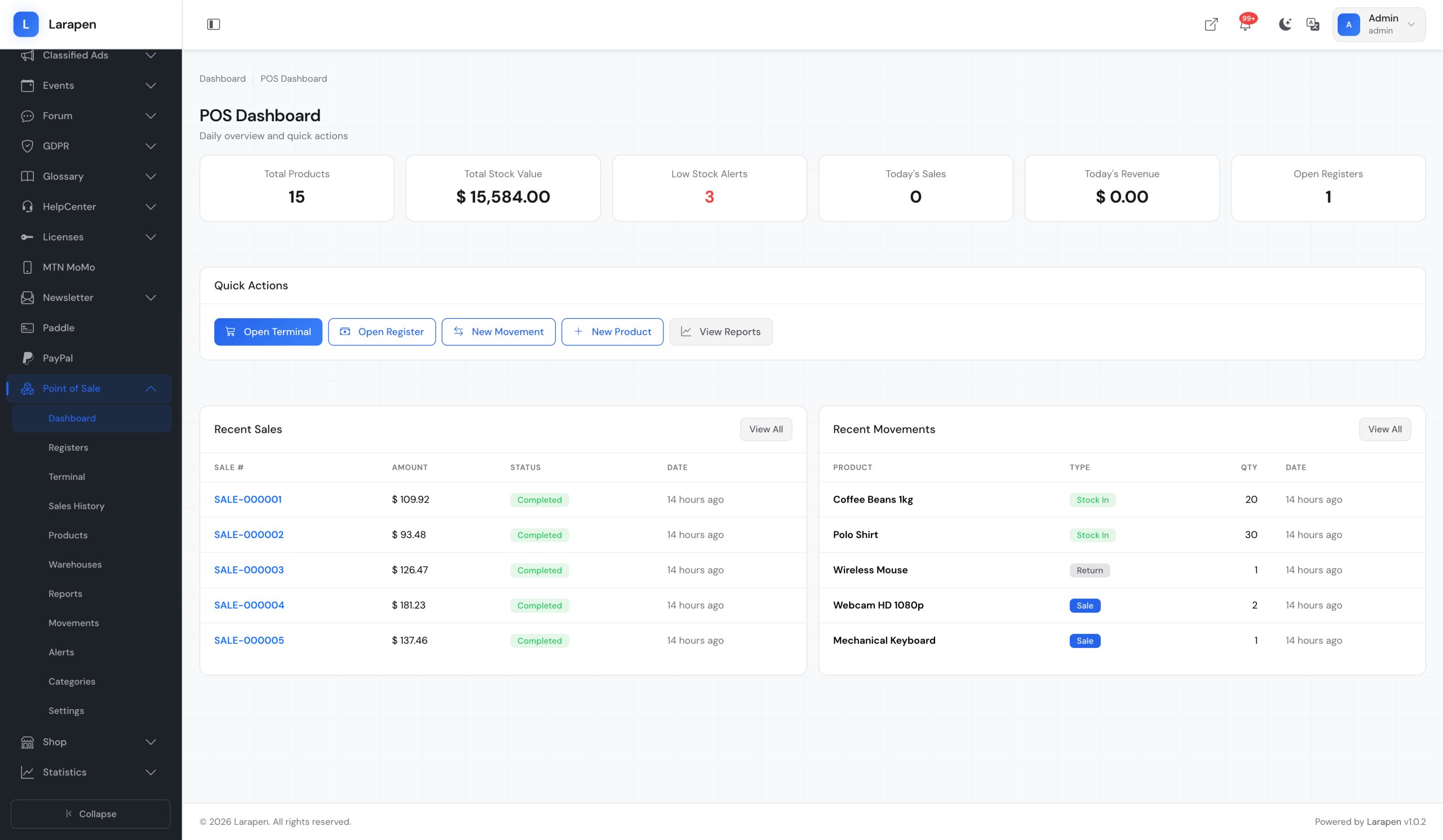
Manage in-store sales, inventory, and cash register sessions. Product scanning, stock movements, receipts, and daily reports in one place.
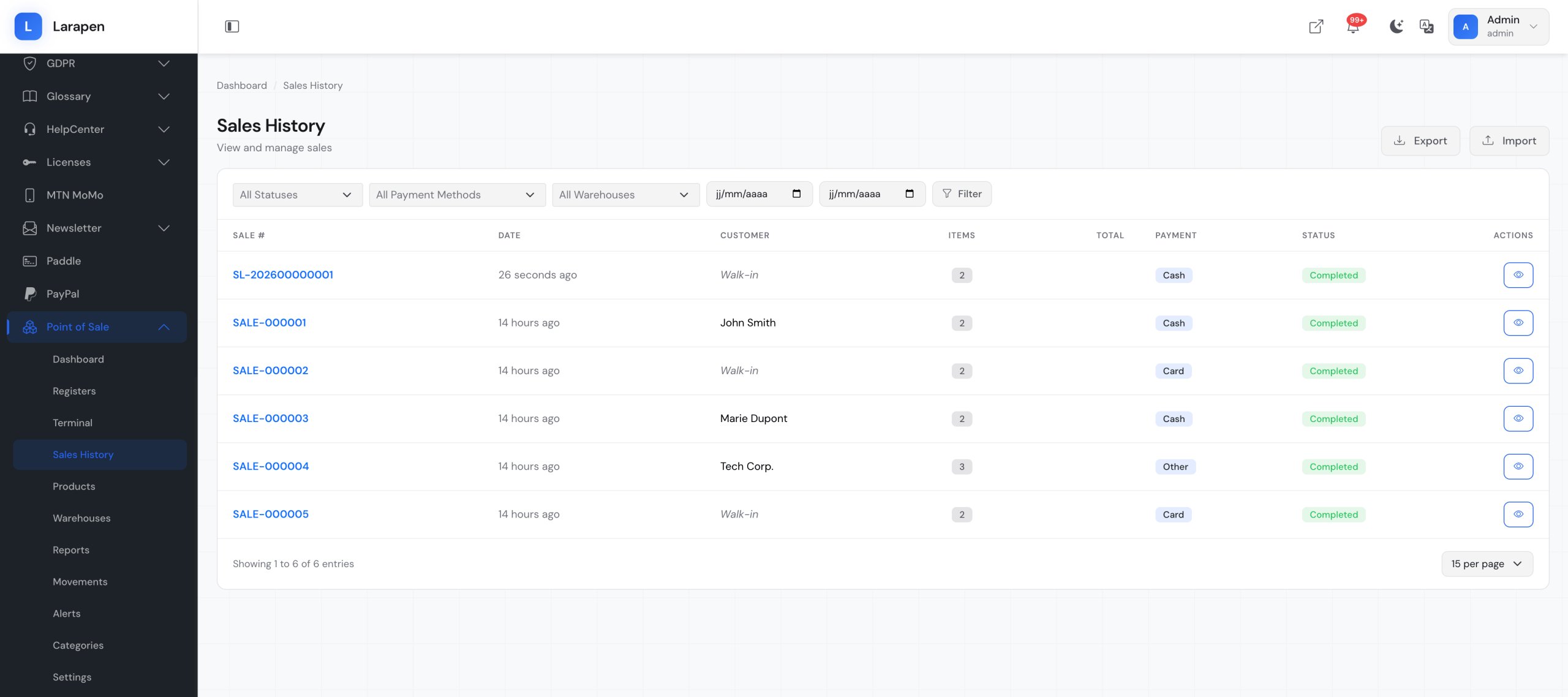
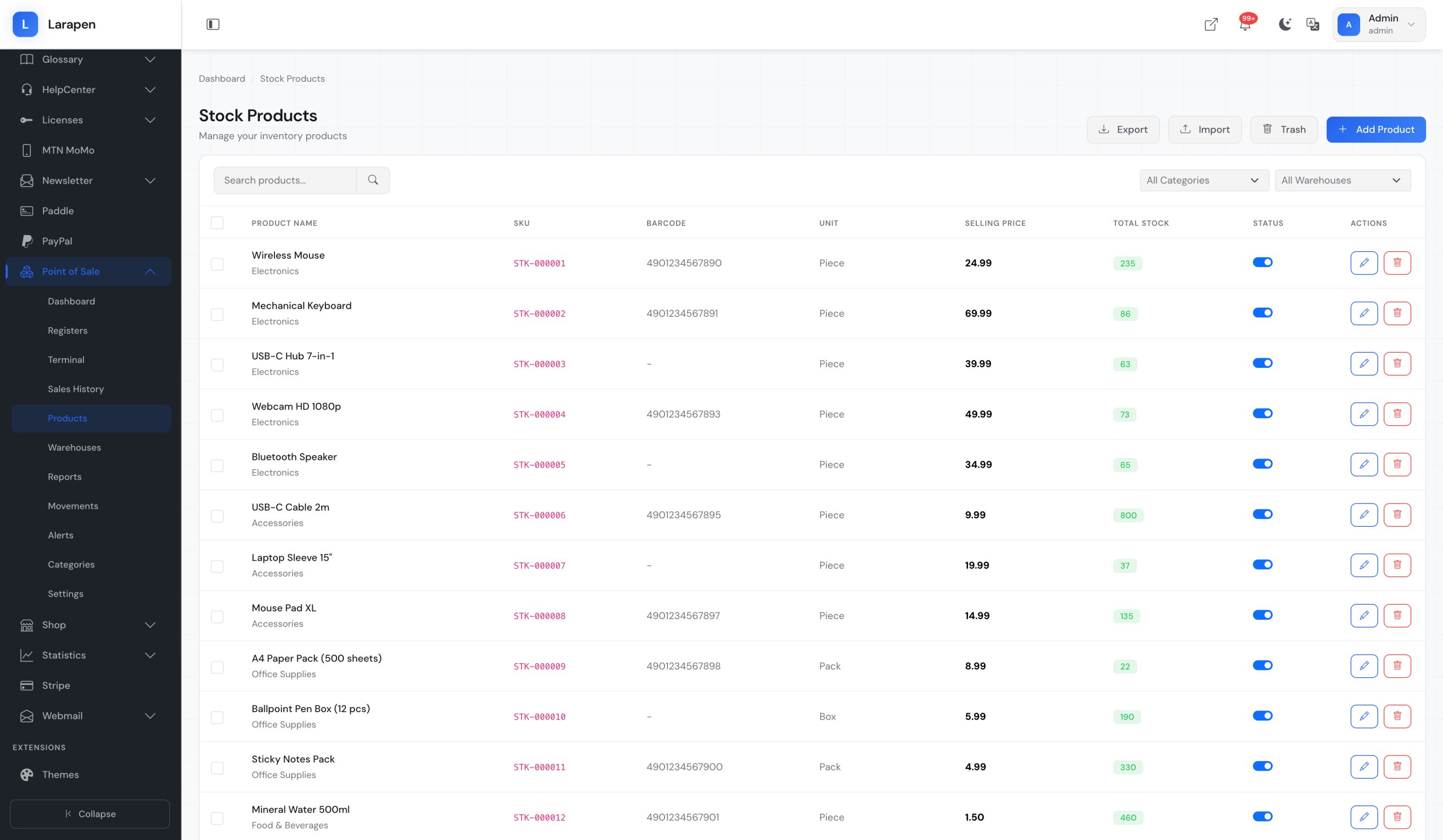
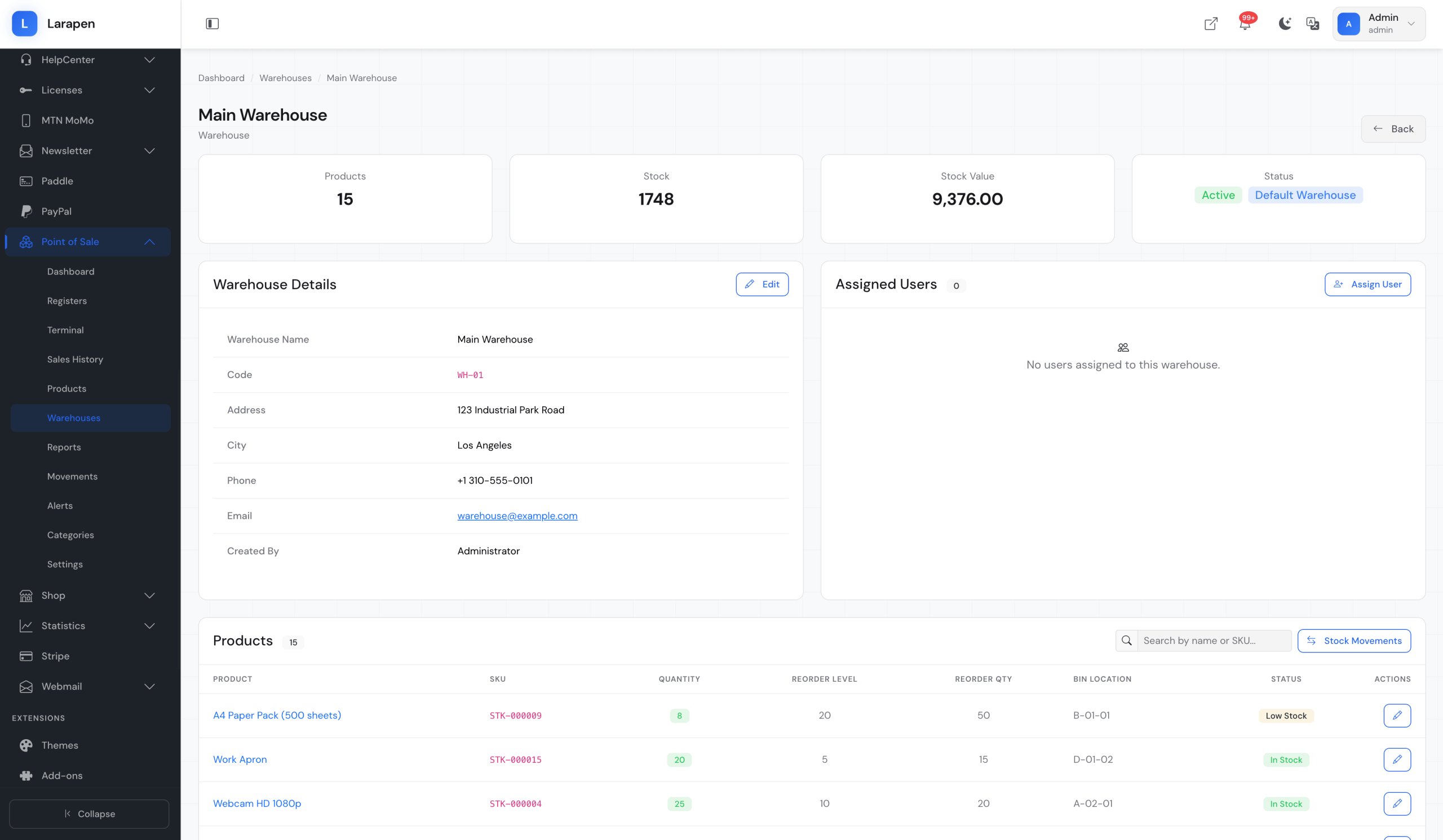
If you sell products online through the Shop add-on, you likely also have physical sales channels: a retail store, a market stall, or a pop-up shop. The POS add-on bridges both worlds by sharing the same product catalog and inventory. When a product sells in-store, your online stock updates automatically. When an online order ships, the POS system reflects the change. No more spreadsheets, no more manual inventory counts, no more overselling. One platform for all your sales channels.
Complete Register Sessions and Accountability
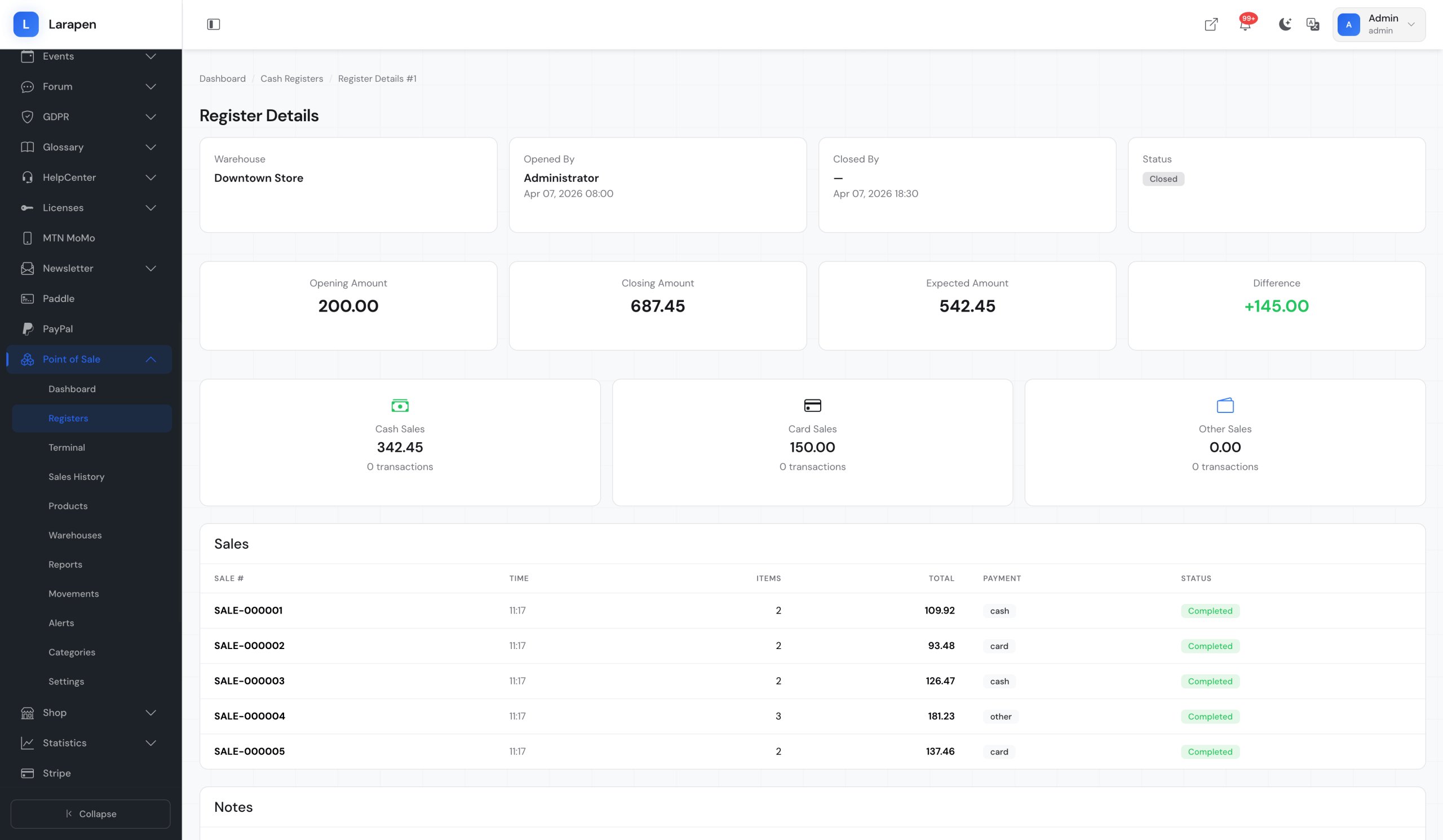
Every shift starts with opening a cash register session, recording the starting cash amount. Throughout the session, each sale, payment method (cash, card, mobile money), and transaction is logged. When the shift ends, the cashier closes the session, and the system compares expected vs. actual cash to identify discrepancies. Daily and weekly reports give you full visibility into sales performance, average transaction values, payment method breakdowns, and cashier productivity.
Everything for In-Store Operations
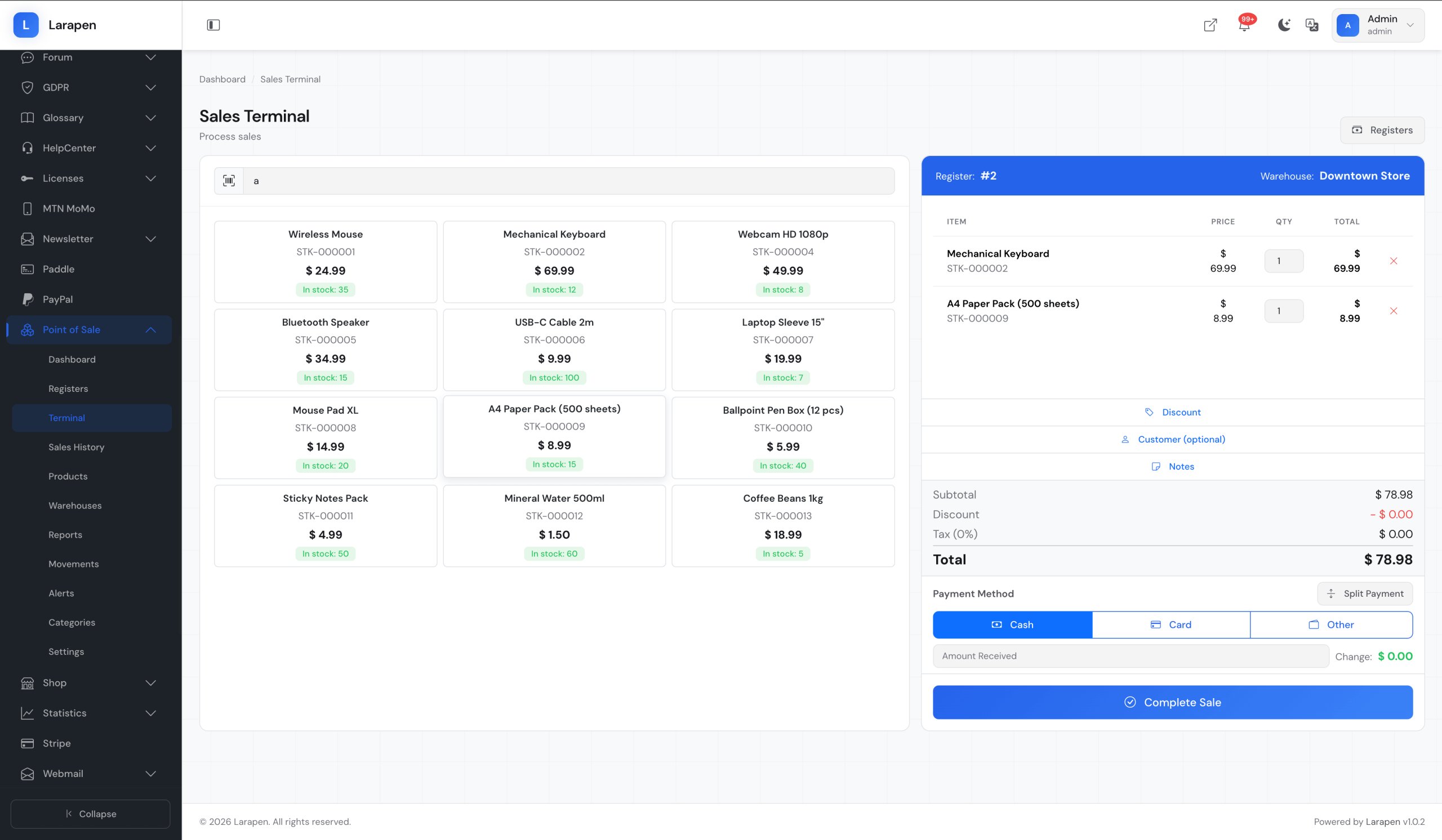
- Product Scanning: Scan product barcodes or search by name/SKU to add items to the sale. The POS interface is optimized for speed: add products, adjust quantities, and apply discounts in seconds.
- Cash Register Sessions: Open and close shifts with starting and ending cash counts. Track all transactions per session. End-of-day reports compare expected vs. actual amounts to ensure cash accountability.
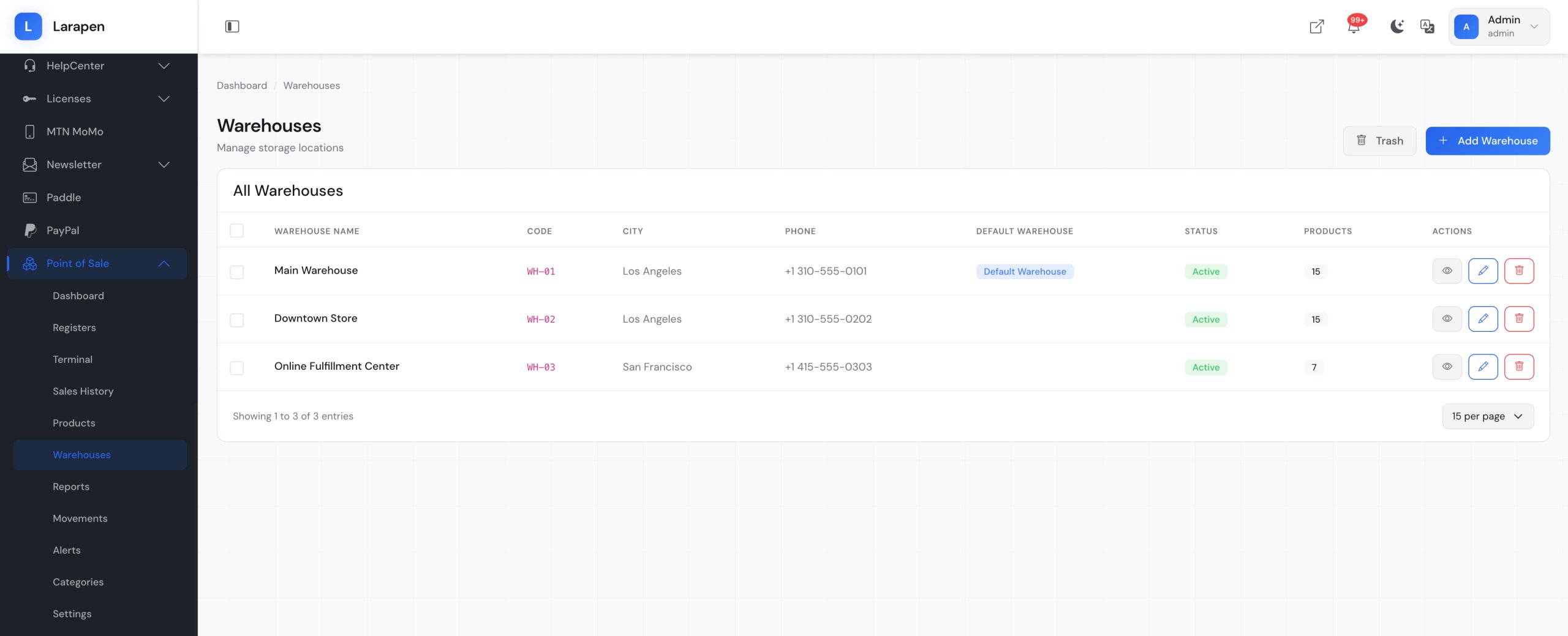
- Stock Management: Real-time inventory tracking across online and in-store channels. Receive stock, perform stock adjustments, and transfer inventory between locations; all tracked with full audit history.
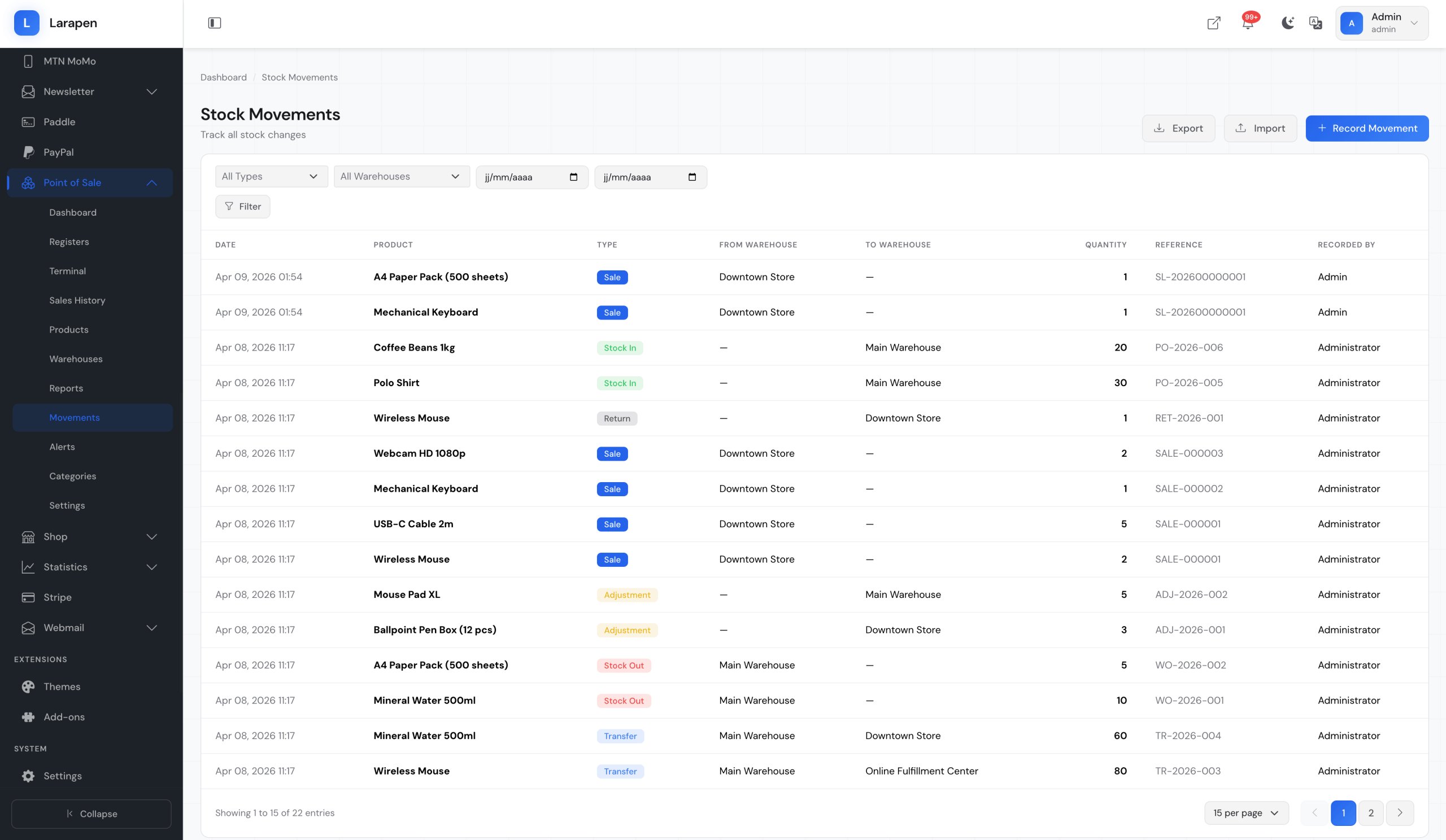
- Movement Tracking: Every stock change: sales, returns, adjustments, receiving, transfers; is recorded as a movement with reason, quantity, reference, and timestamp. Full traceability for every unit.
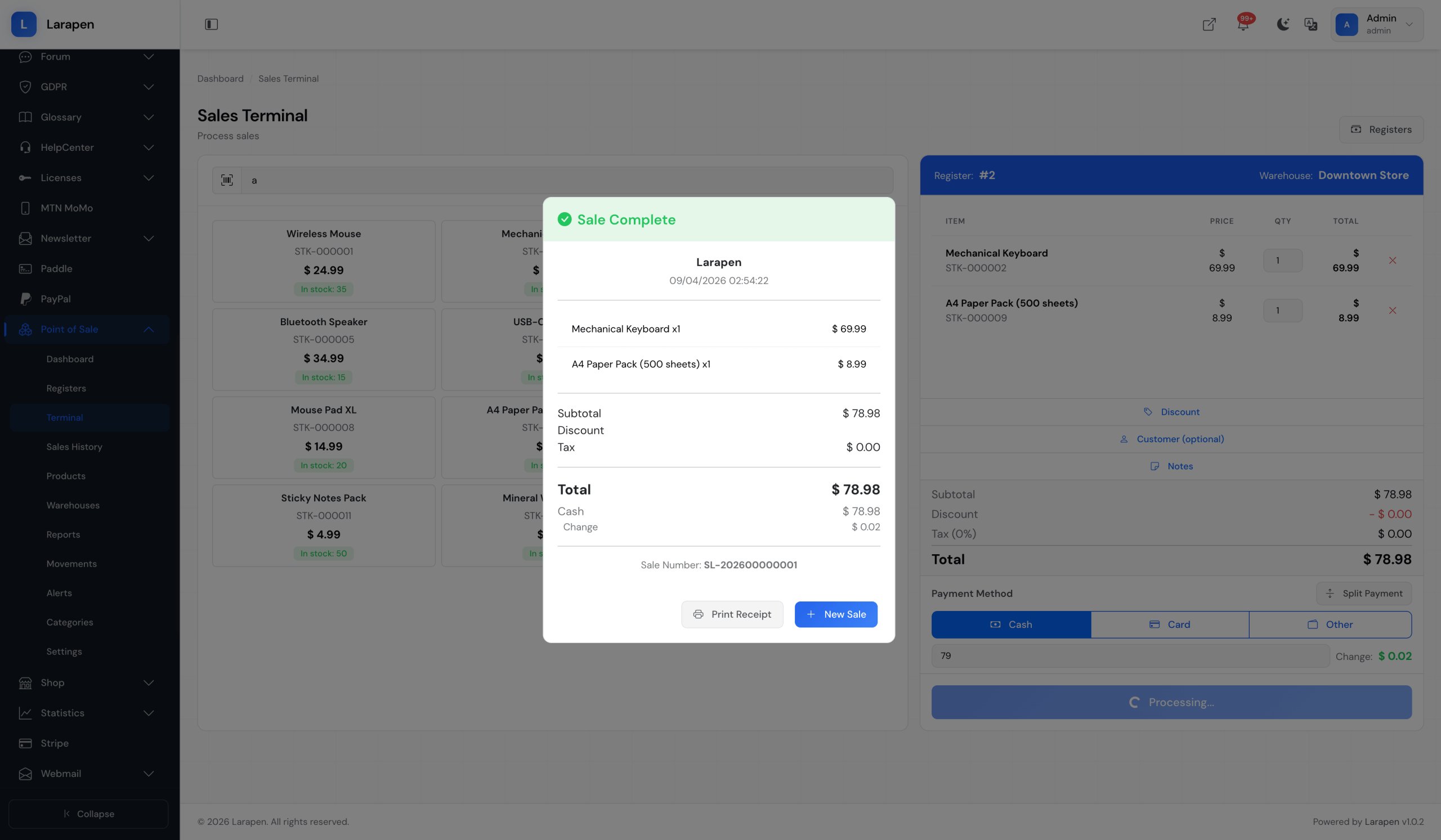
- Receipt Printing: Generate thermal-printer-compatible receipts with your business name, transaction details, payment method, and optional QR code. Also supports email receipts for paperless transactions.
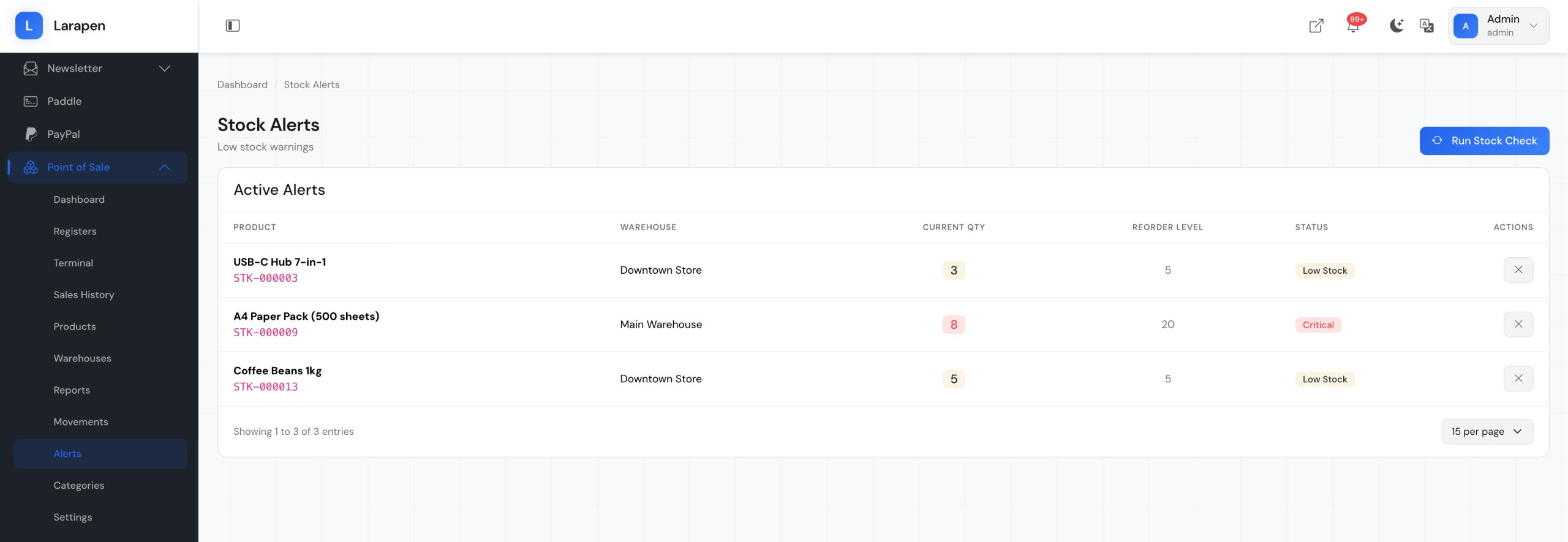
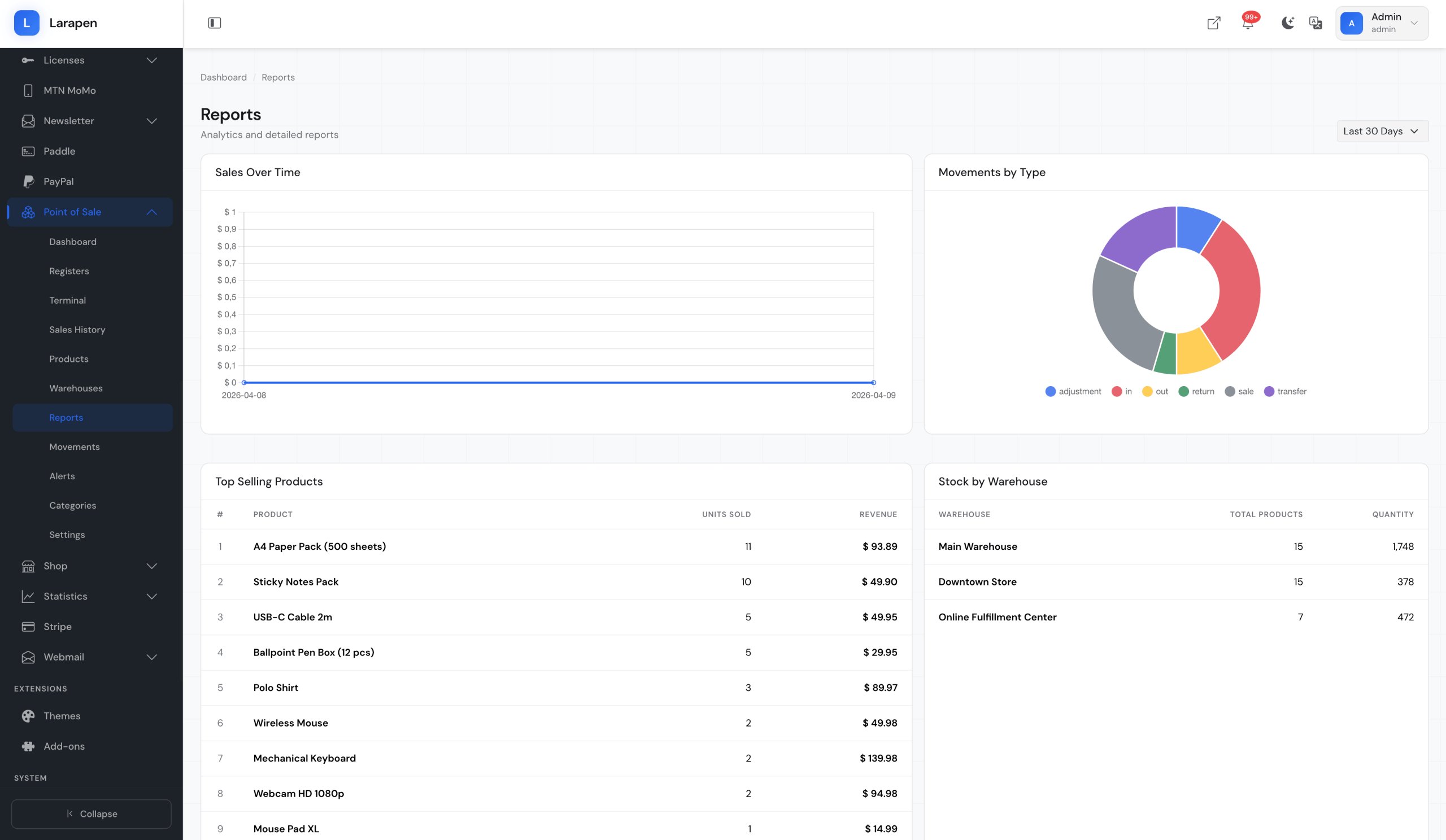
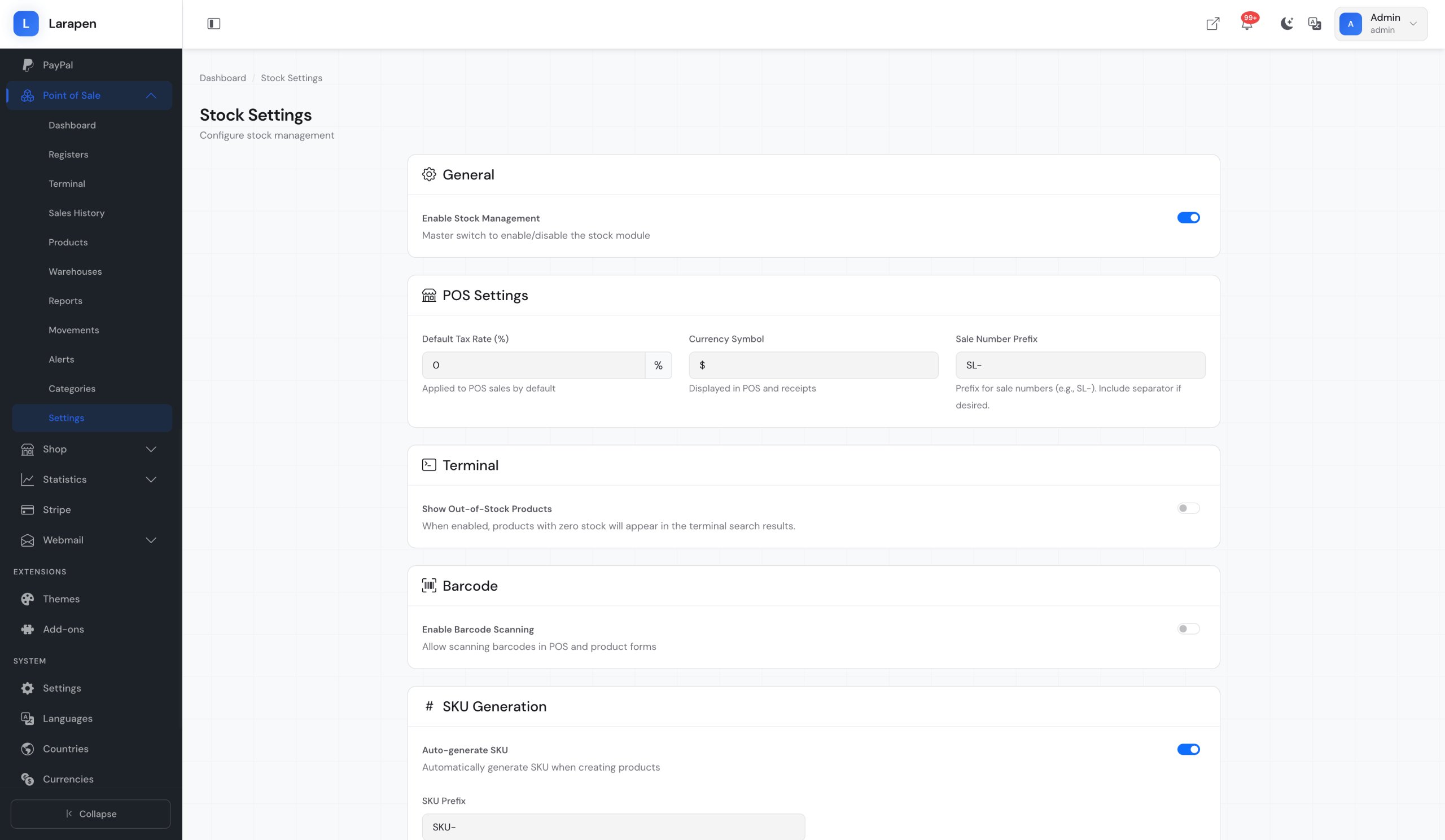
- Reports & Low-Stock Alerts: Daily sales summaries, product performance reports, cashier reports, and payment method breakdowns. Configure low-stock thresholds to receive alerts when products need reordering.
How It Works
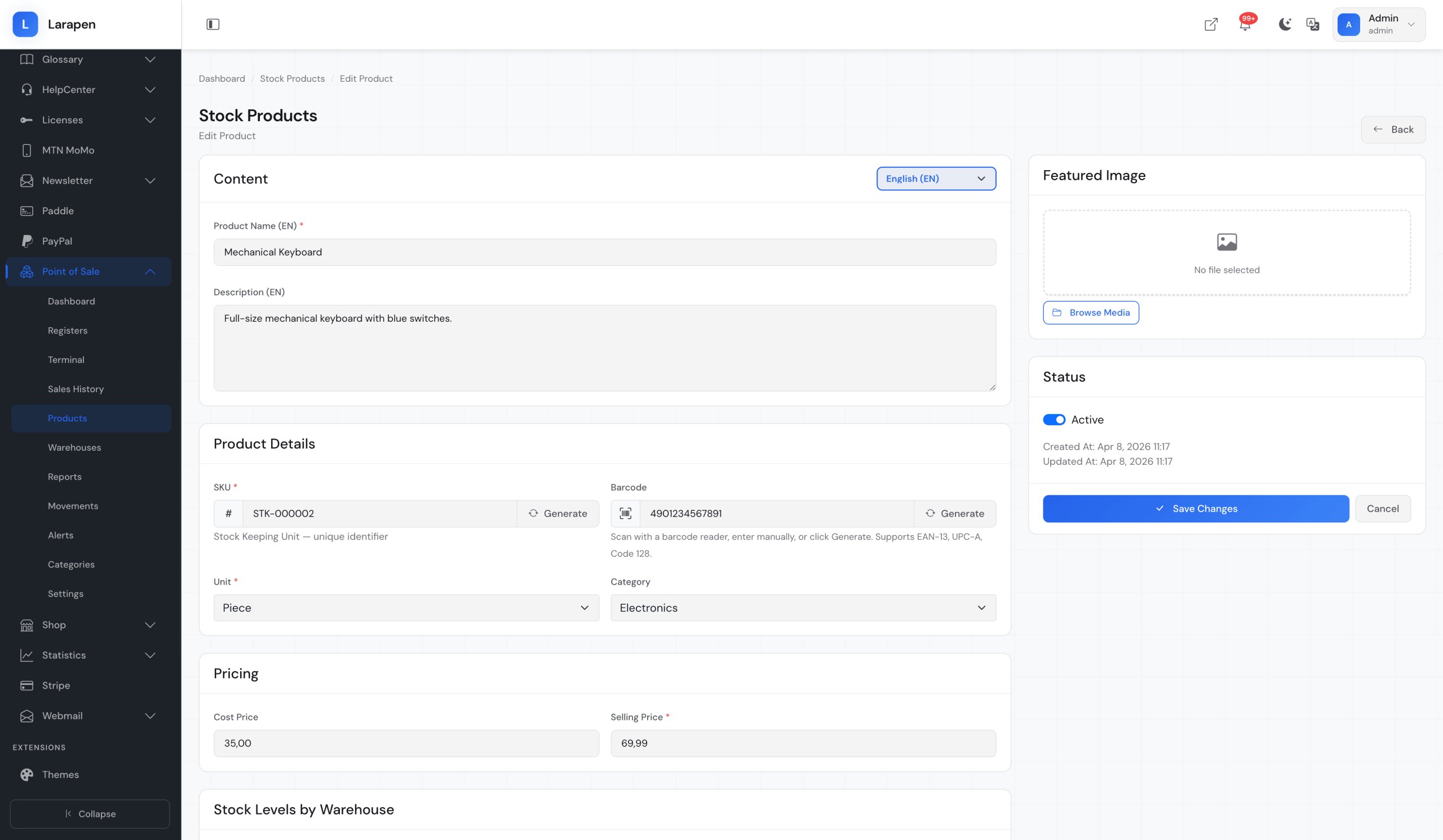
- Set Up Your Products: The POS add-on uses the same product catalog as the Shop add-on. If you already have products set up, they are immediately available for in-store sales. Add SKUs and barcodes for fast scanning.
- Open a Register Session: At the start of each shift, open a register session with the starting cash amount. The POS interface launches: scan products, process sales, and accept payments (cash, card, or mobile money).
- Close & Review: Close the session at end of shift. The system generates a summary with total sales, payment breakdowns, and cash reconciliation. Review daily reports to track performance and identify trends.
Item Support
This item includes 6 months of support from the author. After purchase, contact the author for any help you need with this product.
Get Support
Got Questions?
Frequently Asked Questions About Point of Sale (POS) for Larapen
Everything you need to know about Point of Sale (POS) for Larapen before you buy.
Yes. The POS add-on shares the product catalog, inventory, and order system from the Shop add-on. Both must be installed and active. This integration ensures that online and in-store sales are tracked in a unified system with shared stock levels.
Yes. The POS interface accepts input from USB and Bluetooth barcode scanners. When a barcode is scanned, the product is instantly added to the current sale. You can also search products by name or SKU if a barcode is not available. Any scanner that emulates keyboard input will work out of the box.
The POS add-on is a web-based application that requires an internet connection to your Larapen server. However, your server can be on the same local network (LAN) as your POS terminal, which means a public internet connection is not strictly required; only network connectivity to the server. For environments with unreliable internet, hosting Larapen on a local server is the recommended approach.
Yes. Each cashier opens their own register session from their own device (tablet, laptop, or desktop). Multiple sessions can run concurrently, and each session tracks its own transactions and cash amounts independently. End-of-day reports aggregate data across all sessions.