

Blog & News Add-on
Engage your audience with a fully-featured blog. Publish articles, manage categories and tags, moderate comments, and boost your SEO; all from a clean editorial dashboard.

Publish Content That Converts
The Blog add-on gives you a complete editorial platform built right into your Larapen site. Write rich articles with an intuitive WYSIWYG editor, organize content with categories and tags, and let your readers engage through a built-in commenting system. Every post is fully optimized for search engines with customizable meta titles, descriptions, and clean URLs.

Built for Multilingual Audiences
Every blog post, category, and tag supports full multi-language translations. Reach a global audience by publishing content in as many languages as your site supports, with automatic locale-based URL routing and hreflang tags for international SEO.
Everything You Need to Run a Blog
A comprehensive set of tools to create, manage, and grow your content.
Rich Text Editor
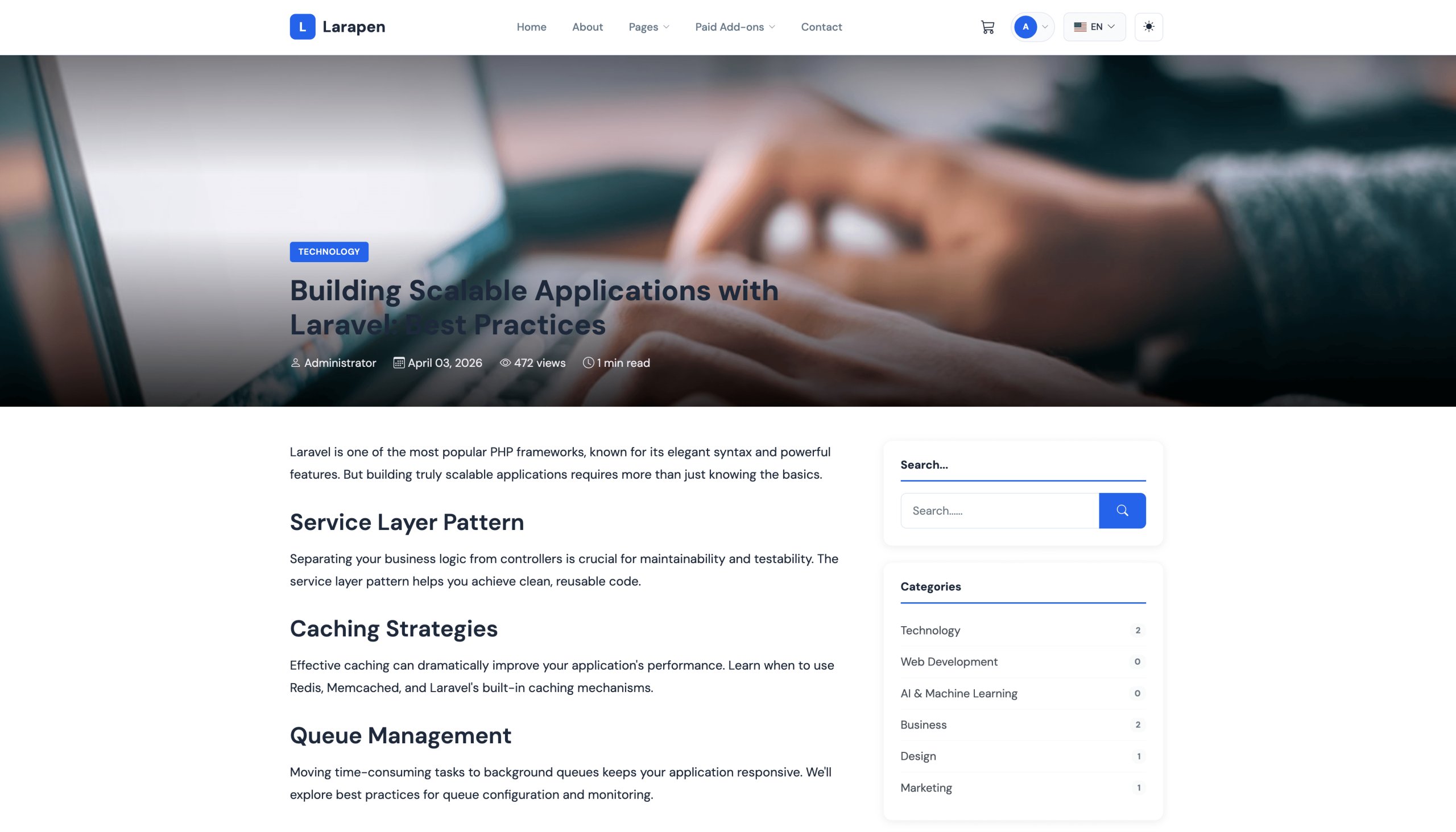
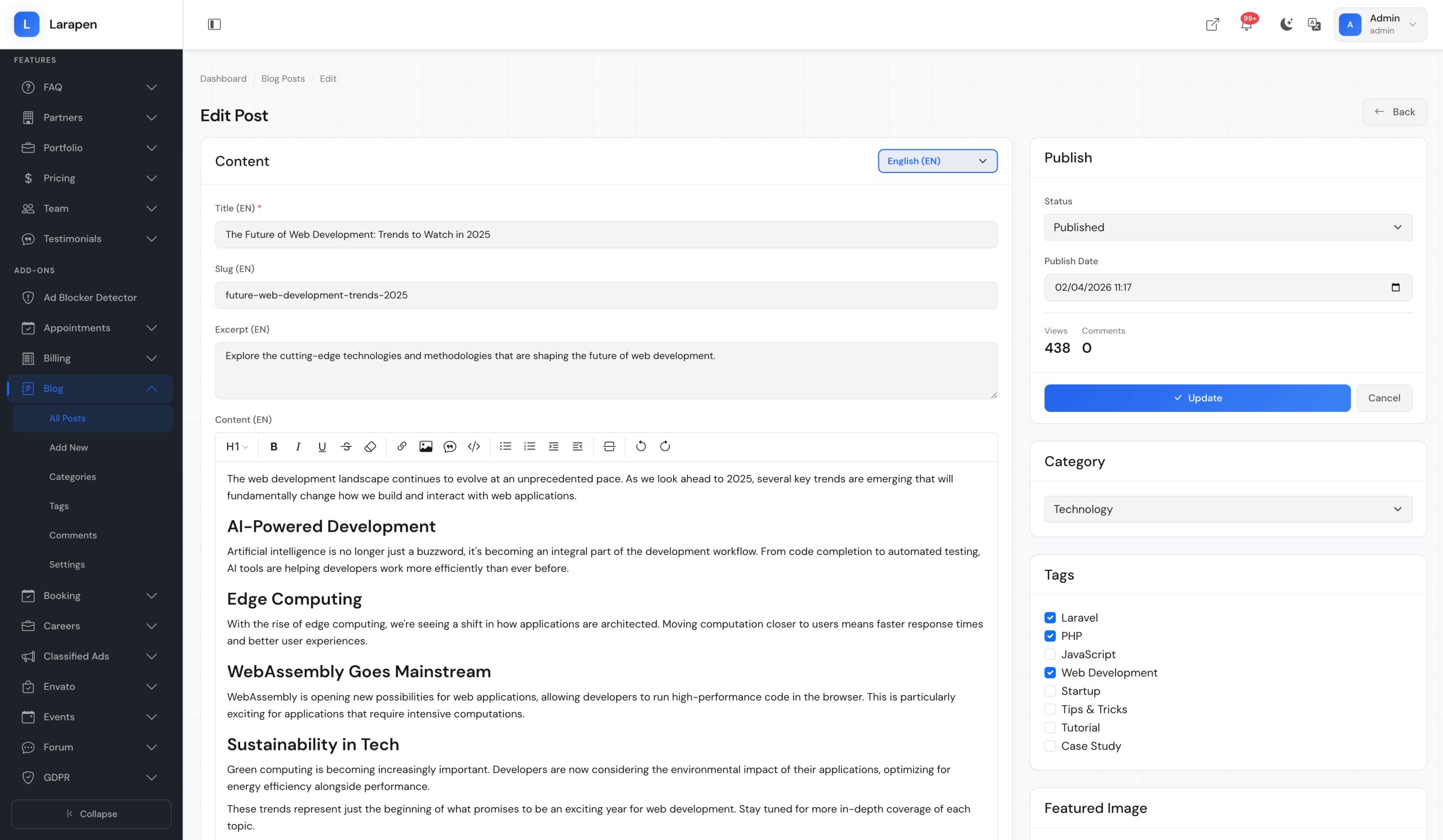
Write and format articles with a powerful WYSIWYG editor. Embed images, videos, and code blocks effortlessly.
Categories & Tags
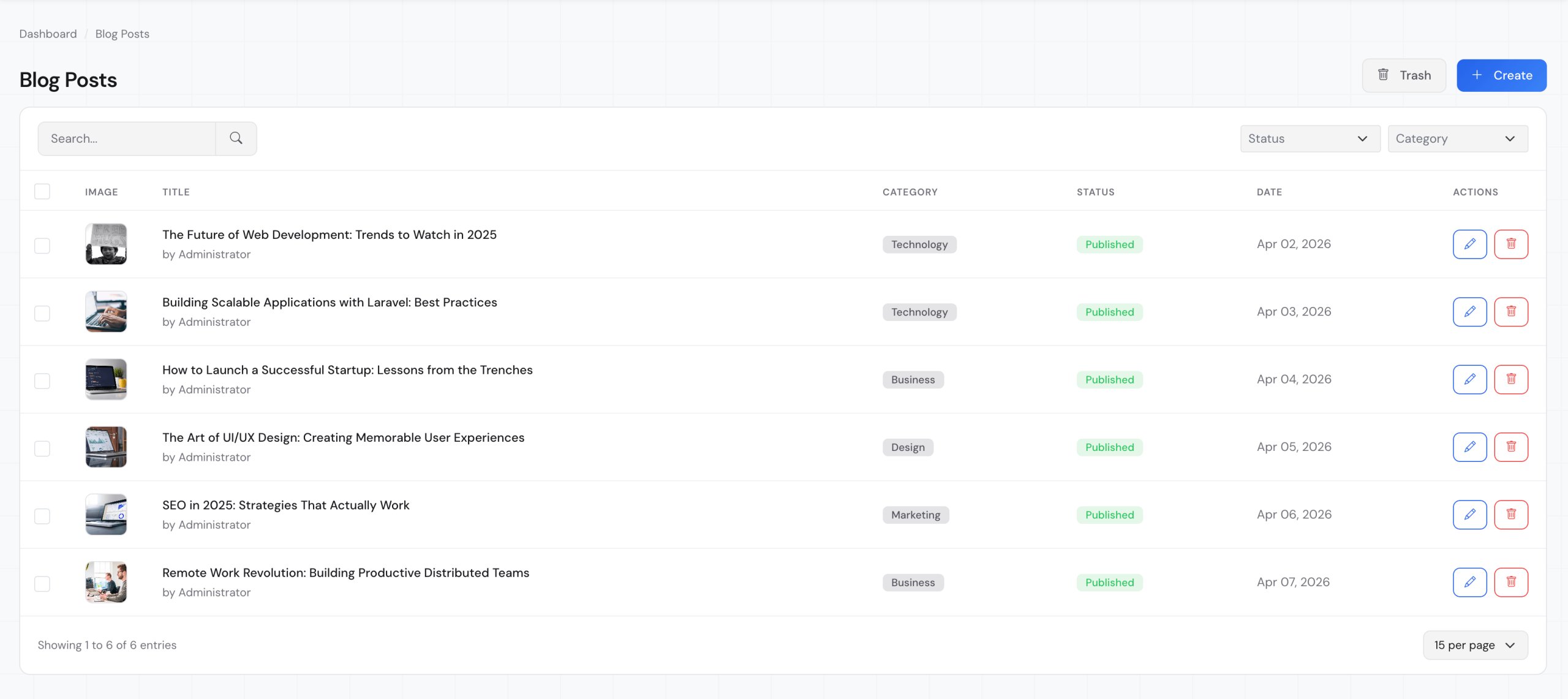
Organize your content with hierarchical categories and flexible tags for easy discovery and navigation.
Comment Moderation
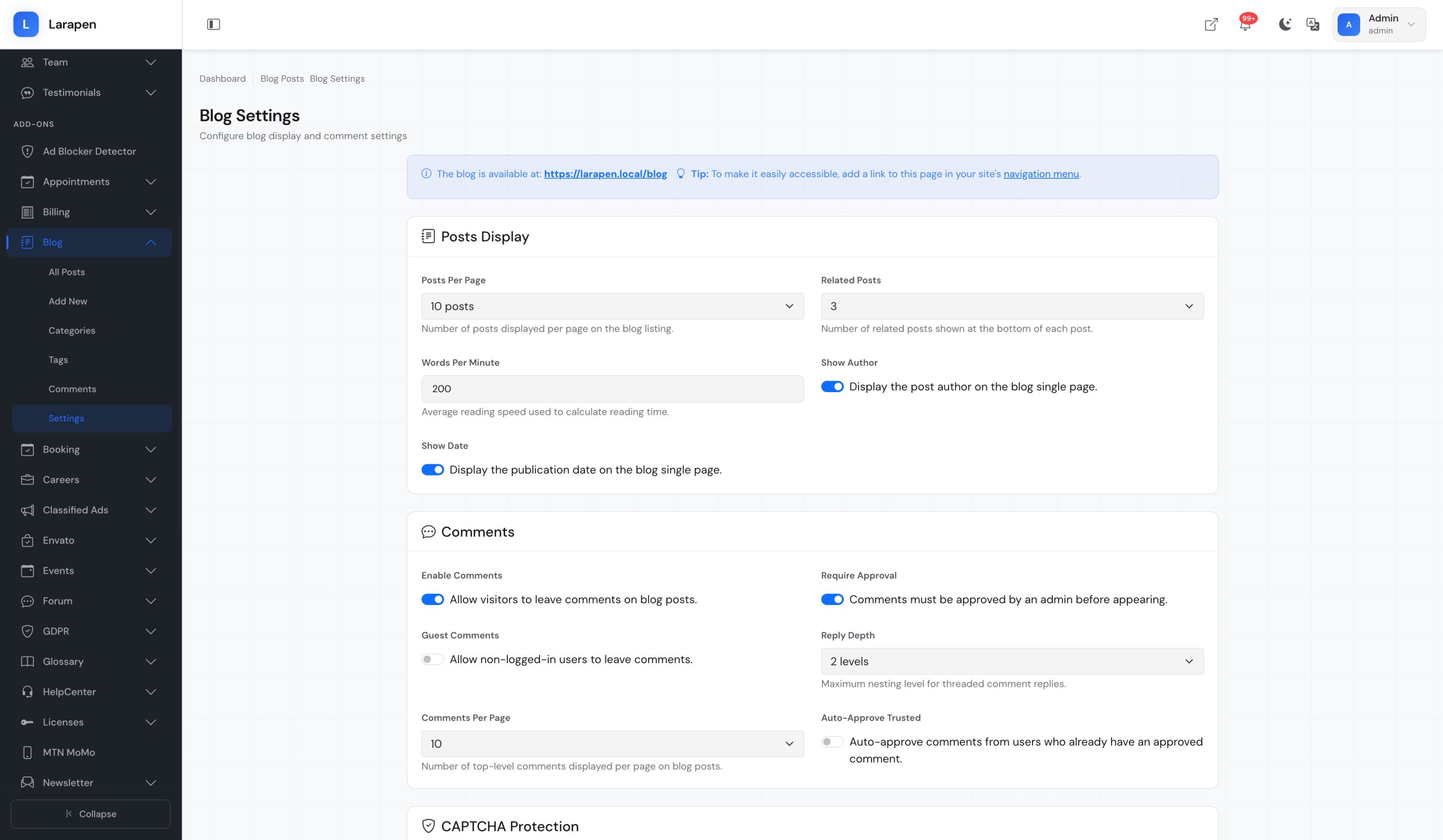
Let readers engage with your content through comments. Approve, reject, or reply from the admin panel.
SEO Optimized
Custom meta titles, descriptions, and clean slug URLs for every post. Built-in sitemap support and structured data.
Social Sharing
Built-in social sharing buttons let readers share your articles on their favorite platforms with a single click.
Multi-Language Support
Publish posts in multiple languages. Titles, content, excerpts, and meta data are all translatable.
Screenshots
Some screenshots of the blog module.

Start Blogging in Minutes
Getting started with the Blog add-on is straightforward.
Install & Activate
Upload the Blog add-on to your Larapen installation and activate it from the admin panel. Database tables are created automatically.
Configure Categories
Set up your blog categories and tags to organize your content structure. Categories support nesting for complex taxonomies.
Write & Publish
Create your first post with the rich editor, set a featured image, choose a category, and hit publish. Your blog is live.
Engage & Grow
Monitor comments, track views, share posts on social media, and use SEO tools to grow your audience organically.
Frequently Asked Questions
Get the Blog Add-on Today
Add professional blogging capabilities to your Larapen website and start building your audience.